

You Asked, We Delivered: Ongoing Improvements to Dispatcher Stratus

At Konica Minolta, we understand that feedback is vital. Now that Dispatcher ScanTrip Cloud and Dispatcher Stratus have been released and are in the hands of customers, we've gotten feedback and started implementing improvements throughout the product. Here are just a few of the quality-of-life improvements we've made recently.
MFP Dashboard Favorites
One of the most requested features was an easy way to filter out devices from the MFP dashboard. For example, a user may only want to see the statuses of the devices near their desk or in their department. Using the new Favorites button, MFP Dashboard users can quickly and easily mark the devices they need to know about and select the “Show Favorites Only” filter option. This then displays only the Favorited devices.
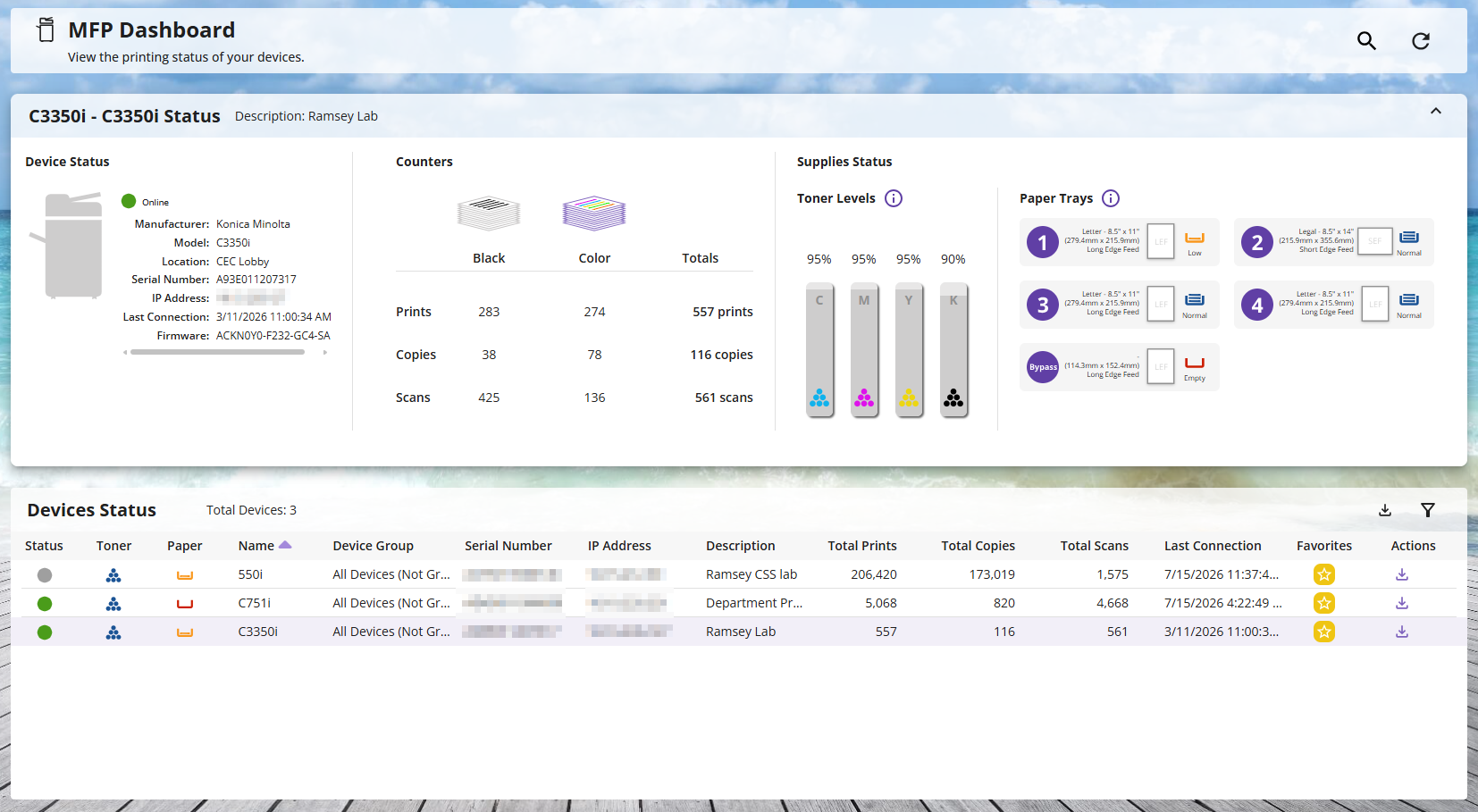
And, of course, if you need to see the whole list of devices, deselecting the Favorites filter will display everything.
New Refresh Button
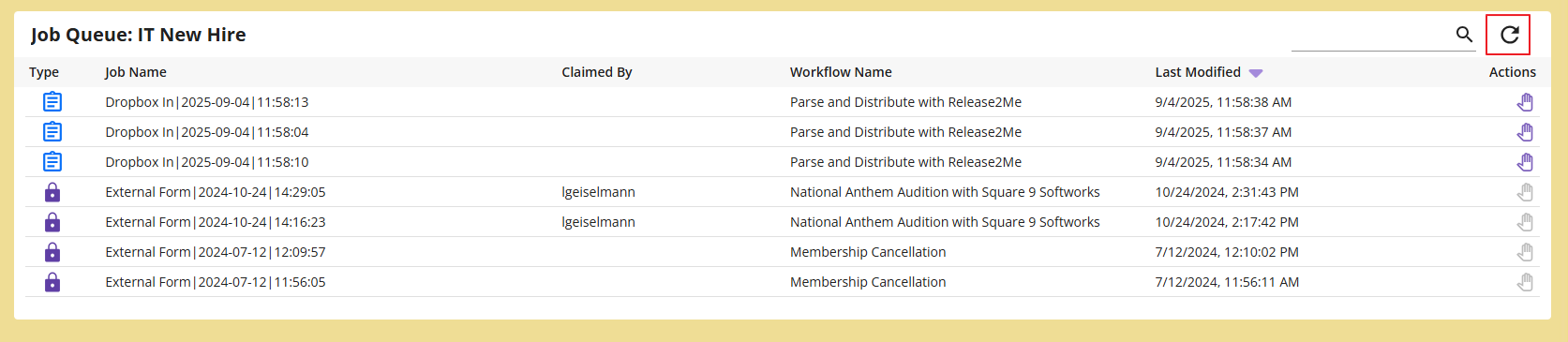
We have also added a Refresh button to several pages. This allows users to get the latest information with a single click. Users can stay up-to-the-second with new refresh buttons on the following pages:*
And, of course, if you need to see the whole list of devices, deselecting the Favorites filter will display everything.
New Refresh Button
We have also added a Refresh button to several pages throughout the product. This allows users to get the latest information with a single click. Users can stay up-to-the-second with new refresh buttons throughout the application.*
- Apps
- bSN Dashboard
- Device Management
- Home
- Inbox
- Job Name Templates
- Job Queues
- Jobs
- MFP Dashboard
- Roles
- Tracker
- User Management
*Page availability based on license.
General Usability Improvements
Our goal is to make Dispatcher Stratus the best product on the market, and that means constantly improving how users interact with it (just like the new Refresh buttons). Here are just a few ways that we've improved Dispatcher Stratus and Dispatcher ScanTrip Cloud recently:
- Updated loading icons for a unified experience site-wide and at the MFP panel
- Improved UI and functionality improvements for job approvals
- Clickable links in forms
- Performance enhancements for faster search, page loading, etc.
- Updated UI elements throughout Jobs and Job Approvals that make for easier interaction with jobs.
Excited about seeing what's new with Stratus? Contact your nearest Konica Minolta Sales Representative today to get more info about this and more!
 Previous Article